Industry insights
TDS deducted by a customer on your invoice: how to record it
When a customer deducts TDS, record the bank receipt and the TDS as two parts of one payment, then tick the TDS off against your annual tax statement.
Written by The iCRM team
Published 7 min read
- 10% TDS Usual rate on professional fees
- 2% TDS On contract work paid to a firm
- 2 parts Bank receipt plus TDS, one invoice
- 4 quarters To check your tax statement
On this page
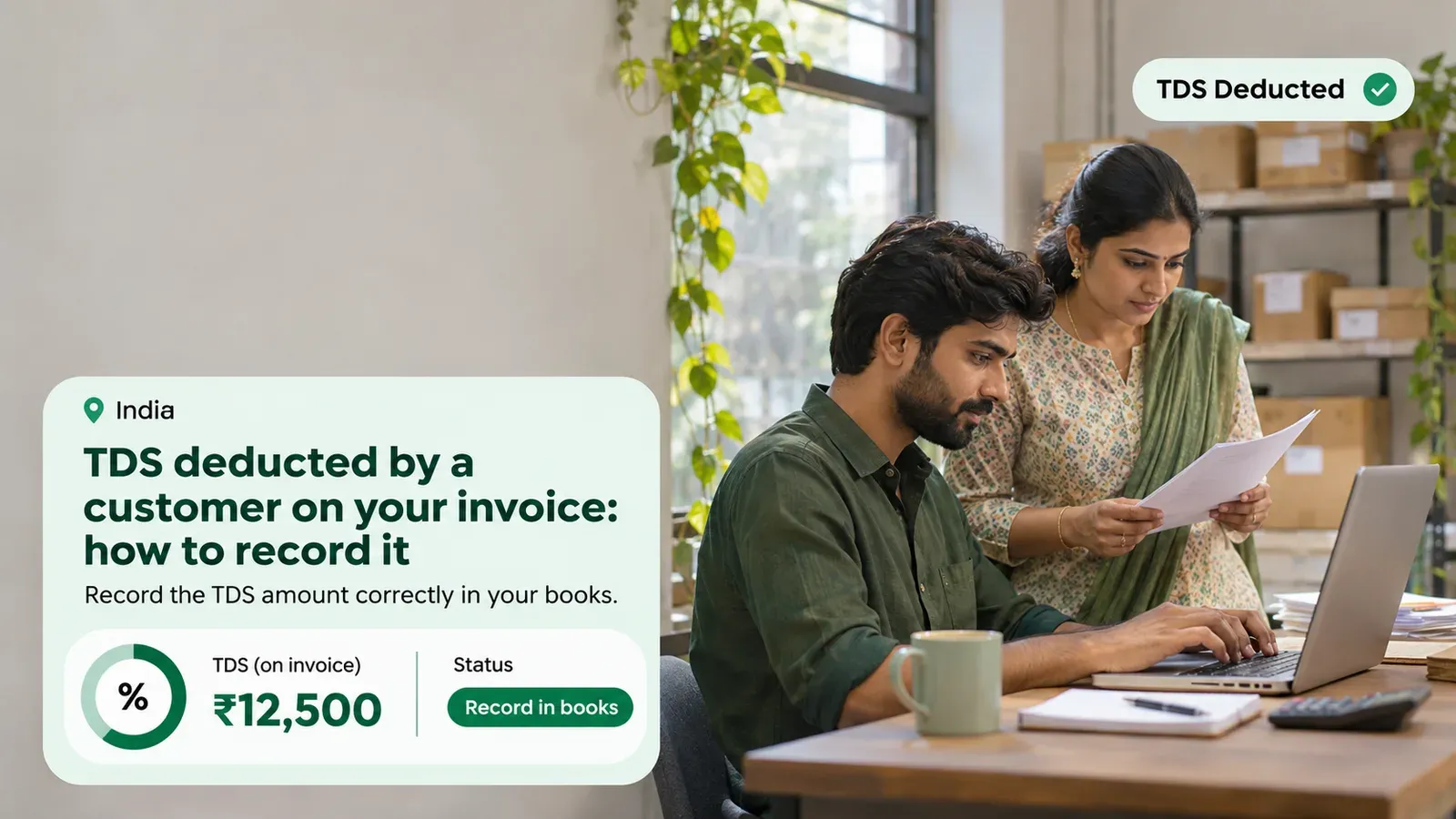
If a customer pays you less than your invoice total, the gap is usually TDS (tax deducted at source). Record the bank receipt and the TDS as two parts of one payment, so the invoice closes in full. Then, every quarter, check the TDS against your annual tax statement on the income tax portal (Form 26AS, now Form 168).
Key takeaways
- A short payment is often TDS, not a customer who still owes you.
- Record it as two parts: the money in the bank and the TDS kept as a tax credit.
- When GST is shown separately on your invoice, TDS is usually worked out before GST.
- Ask for the TDS certificate and check every quarter that the TDS shows against your PAN.
- From 1 April 2026 the new Income-tax Act 2025 has new section and form numbers, but the work stays the same.
Why the payment is less than your invoice
Under Indian income tax law, many businesses that pay a contractor or a professional must keep back a part of the bill. They pay that part to the government in your name, against your PAN. This is TDS.
You have not lost the money. It counts as tax you have already paid. You claim it when you file your income tax return, against your own tax for the year.
The trouble is that your books show an invoice of one amount and a bank receipt of another. If nobody explains the gap, the invoice sits as part-paid. Months later someone chases the customer for money they do not owe.
Which sections apply and at what rate
Most service businesses and contractors meet two kinds of TDS. For payments up to 31 March 2026 they were known as section 194C and section 194J of the Income-tax Act 1961. From 1 April 2026 the Income-tax Act 2025 groups them under section 393, with largely the same rates.
| Kind of work | Old section | Usual TDS rate |
|---|---|---|
| Contract work, paid to an individual or HUF | 194C | 1% |
| Contract work, paid to a firm or company | 194C | 2% |
| Fees for technical services | 194J | 2% |
| Fees for professional services | 194J | 10% |
TDS only starts once payments pass a set limit, in a single payment or over the year. The limits have changed in recent budgets, so check the current ones with your accountant. If you have no PAN on record with the customer, the rate can be much higher, so always give your PAN with your first invoice.
How to work out the expected TDS
When GST is shown separately on the invoice, TDS is usually worked out on the amount before GST. This follows a CBDT circular from 2017. GST itself is still due on the full invoice.
Take an invoice for professional fees of ₹1,00,000, plus GST at 18% of ₹18,000, for a total of ₹1,18,000.
| Line | Amount |
|---|---|
| Fees before GST | ₹1,00,000 |
| GST at 18% | ₹18,000 |
| Invoice total | ₹1,18,000 |
| TDS at 10% on fees | ₹10,000 |
| Paid into your bank | ₹1,08,000 |
If the same bill were contract work paid by a company to your firm, TDS at 2% would be ₹2,000, and ₹1,16,000 would reach your bank.
If the gap does not match any rate, do not guess. Ask the customer which section and rate they used, and on what amount.
How to record a payment that arrives short
Treat it as one payment in two parts. In your books, the invoice is settled in full once both are recorded.
- Record the bank receipt. Enter the amount that actually reached your account, with the date and the bank reference.
- Record the TDS. Enter the gap as TDS, against the same invoice. Your accountant keeps it as tax you can claim (often called TDS receivable).
- Note the section and rate. Write down what the customer told you, for example “10% on fees before GST”.
- Ask for the TDS certificate. The customer should give you a certificate for each quarter. It was Form 16A and, under the new rules, it is Form 131.
- Mark it to check. Set a date after the customer’s quarterly filing to look for the entry in your tax statement.
If the customer has not yet paid the TDS to the government, it can still be missing from your statement. That is why the last step matters.
How to match TDS to Form 26AS (now Form 168)
Your customer files a quarterly TDS statement. It was Form 26Q and is now Form 140. Once it is processed, the TDS shows in your annual tax statement on the e-filing portal, against your PAN. That statement was Form 26AS and is Form 168 from tax year 2026-27.
Each quarter, download it and tick off each deduction against your records.
| What you check | Where you find it | If it does not match |
|---|---|---|
| Customer’s name and TAN | Tax statement, deductor details | Ask which entity paid you |
| Amount paid or credited | Tax statement, amount column | Compare with your invoice before GST |
| TDS amount | Tax statement, tax deducted | Ask the customer how they worked it out |
| Your PAN | Customer’s TDS certificate | Ask for a corrected statement |
| The quarter | Date of payment or credit | Check if it falls in the next quarter |
A common surprise is timing. A customer may deduct TDS when they book your bill, before they pay it. The entry can then show in an earlier quarter than your bank receipt.
When an entry is missing or wrong, the fix is on the customer’s side. They file a corrected statement, and the credit then appears against your PAN. Raise it early, well before you file your return.
Doing it in iCRM
- Invoicing. Create the invoice with GST shown as its own line, so the amount TDS is worked out on is plain to see.
- Tax management. Set your GST rates once and apply them to every invoice, so the amount before GST is always correct.
- Payment tracking. Record what reached your bank against the invoice. The gap stays in view until you have noted it as TDS, so no short payment is left unexplained.
- Customer management. Keep each customer’s PAN, TAN and the section they deduct under on their record, and see their invoices and payments together.
- Document sharing. Keep each quarter’s TDS certificate with the customer it belongs to, where your accountant can find it.
- Task management and calendar. Give the quarterly check an owner and a due date after each filing deadline.
A TDS reconciliation checklist
- Your PAN is on every invoice and with every customer.
- GST is shown as its own line on each invoice.
- Every short payment is checked against the expected TDS rate.
- The bank receipt and the TDS are recorded as two parts of one payment.
- The section and rate the customer used are noted.
- A TDS certificate is asked for every quarter.
- Your tax statement is checked against your records every quarter.
- Missing or wrong entries are raised with the customer straight away.
Sources
- Section 393 of the Income-tax Act 2025, ClearTax
- TDS rates under the Income-tax Act 2025, TaxGuru
- Section 194J: TDS on professional and technical fees, ClearTax
- TDS rate chart, RSM India
- TDS and TCS changes from April 2026, ClearTax
- Form 26AS to become Form 168 from 1 April 2026, Free Press Journal
- New TDS and TCS forms mapped to the old ones, TDSman
- What is Form 26AS, ClearTax
- Income tax e-filing portal, Income Tax Department
Related articles
-
Test drive follow-up tips to turn walk-ins into sales
Call the same day, send a clear on-road price, sort the finance papers early and fix the next visit before the buyer leaves the showroom.
- Checklist
- 2 tables
- 5 questions answered
-
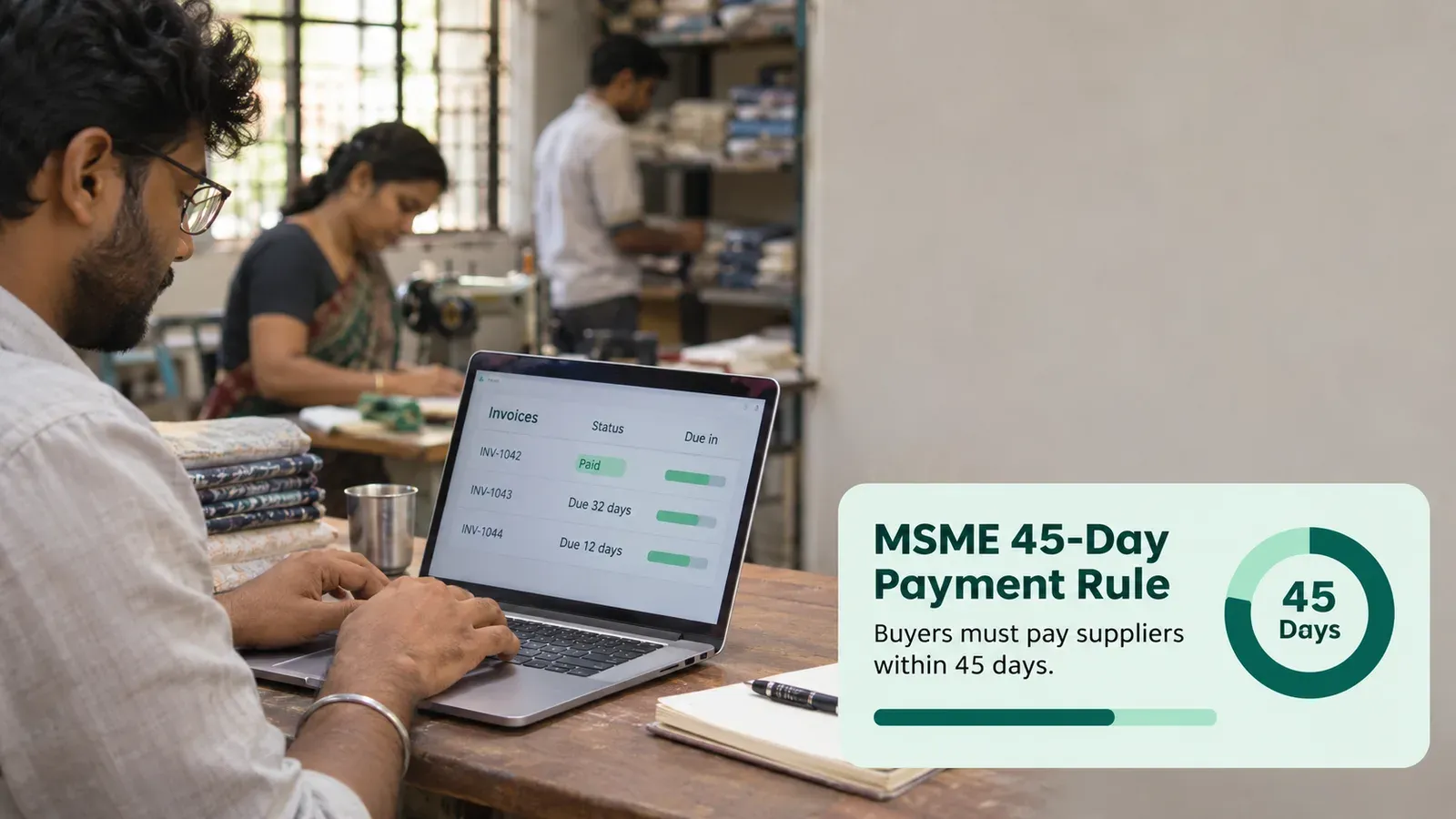
Part 1: The MSME 45-day payment rule explained for suppliers
Buyers must pay a registered micro or small supplier within 15 days, or up to 45 days if agreed in writing, or lose the tax deduction for that cost.
- Checklist
- 2 tables
- 6 questions answered
-
Vehicle service reminders for workshops and dealers
Set each vehicle's next service by date or kilometres, whichever comes first, track insurance renewals and follow up every job card so customers come back.
- Checklist
- 2 tables
- 6 questions answered
Recognized with numerous awards
Support, security, uptime and results, with the figures behind each badge.














FAQ
Frequently asked questions
Straight answers to what people ask most about iCRM.
Set up for your industry
Pick yours and its features come ready.
- Farm Businesses
- Automotive Dealers
- Consulting Firms
- Online Retail
- Education Institutes
- Energy Companies
- Financial Services
- Healthcare Clinics
- Hospitality Businesses
- Law Firms
- Logistics Companies
- Manufacturing Companies
- Media Agencies
- Nonprofit Organisations
- Real Estate
- Technology Companies
-
Why is the payment from my customer less than my invoice?
The customer has most likely deducted TDS before paying you. They keep a small part of your bill and pay it to the government in your name, against your PAN. You still receive the full amount, part in your bank and part as a tax credit.
-
Should I mark the invoice as part-paid when TDS is deducted?
No. Once you know the gap is TDS, the invoice is settled in full. Record the bank amount as received and the TDS as a separate part of the same payment, kept as tax you can claim, so the customer does not look like they still owe you money.
-
Is TDS worked out on the GST part of my invoice?
Usually not, when GST is shown separately on the invoice. A CBDT circular says TDS is worked out on the amount before GST in that case. If the gap does not match, ask the customer how they worked it out.
-
Where can I see the TDS my customers have deducted?
In your annual tax statement on the income tax e-filing portal. It was called Form 26AS and, under the Income-tax Rules 2026, it is Form 168 from tax year 2026-27. It lists every deduction reported against your PAN.
-
What if the TDS a customer deducted is not in my tax statement?
Ask the customer first. They may have filed their quarterly TDS statement late, used a wrong PAN or left the entry out. They can correct it with a revised statement, after which the credit shows against your PAN.
-
Do the section numbers 194C and 194J still apply?
They apply to payments made up to 31 March 2026 under the Income-tax Act 1961. From 1 April 2026 the Income-tax Act 2025 groups most TDS under section 393, though many people and invoices still use the old numbers.
Get started with iCRM
Leads, quotes, work, invoices and payments in one app, set up for the way your industry works.
- 99% Uptime guarantee
- ISO ISO-aligned security
- 24/7 Response support
- GDPR GDPR compliant
- SSL SSL encrypted
-
16
Industries Each with its own features
-
47
Features Across those industries
-
11
Areas of work From leads to payments
-
3
Editions India, France and UAE