Industry insights
Event budget tracking: best practices for UAE planners
Lock the approved budget, record every supplier cost against its line as it is committed, and review the gap at set checkpoints until the final invoice.
Written by The iCRM team
Published 8 min read
- 5 checkpoints From booking to wrap-up
- 3 figures Budget, committed and paid per line
- 14 days To issue a full tax invoice
- 5% VAT Tracked apart from the net cost
On this page

Event budget tracking means recording every supplier cost against the line of the client’s approved budget it belongs to, from the day you book to the day the last invoice is paid. Do it as costs are committed, not when the bills arrive. Then you can see the gap between budget and spend while there is still time to act, and the margin survives.
Key takeaways
- Start from the budget the client approved in writing, and lock it.
- Track three figures on every line: budget, committed and paid.
- Record the net cost and the VAT apart.
- Treat every late request as a change the client approves before you book.
- Review each event at five checkpoints, the same way every time.
Why event margins disappear
Most event companies do not lose money on one big mistake. They lose it on small ones that nobody sees in time: an extra hour of venue hire, a second delivery of staging, a rush print job, a few more guests at the same price per head.
When you run several events at once, these costs land in different inboxes and on different cards. By the time the final invoices are in, the event is over and the client has paid. The margin you quoted is gone, and you only find out at month end.
Good tracking does not stop changes. It makes each one visible on the day it happens, so you can charge for it, swap it or decide to absorb it.
Start from the approved budget
Your tracking is only as good as the figure you track against. Before you book anything, make sure the client has approved a budget in writing.
Build it in clear lines
Break the budget into lines that match how you buy. A typical event budget in the UAE might look like this:
| Budget line | What it covers |
|---|---|
| Venue | Hire, setup and breakdown time, service charges |
| Catering | Food and drink per head, service staff |
| Production | Staging, lighting, sound, screens |
| Décor and print | Florals, branding, signage, printed items |
| Talent and staff | Hosts, performers, event crew |
| Logistics | Transport, deliveries, storage |
| Permits and licences | Any permits the venue or emirate requires |
| Contingency | A set amount held back for surprises |
Keep each line to one kind of cost. When a line mixes things, you cannot tell which part went over.
Lock it once it is signed
Once the client signs the quote, treat that version as the baseline. Do not overwrite it when things change. Changes go in as new lines or approved variations, so you can always show the client where the final figure came from.
Track three figures on every line
A single “spent so far” figure hides too much. For each budget line, keep three numbers.
- Budget: what the client approved for that line.
- Committed: what you have agreed to pay suppliers, from accepted quotes and purchase orders, whether or not the invoice has arrived.
- Paid: what has actually left your account.
The figure that protects your margin is committed. A caterer’s confirmed quote is a cost the day you accept it, not the day their invoice comes in. If you only track paid amounts, you will always find out too late.
| Line | Budget (AED) | Committed (AED) | Paid (AED) | Left (AED) |
|---|---|---|---|---|
| Venue | 60,000 | 58,500 | 30,000 | 1,500 |
| Catering | 85,000 | 91,000 | 45,000 | minus 6,000 |
| Production | 70,000 | 64,000 | 0 | 6,000 |
These figures are an example only. In this case catering is already over, and the team can see it weeks before the event. They can ask the client to approve the extra guests, change the menu, or use part of the production saving.
Keep VAT and tax invoices in order
In the UAE, VAT is charged at a standard rate of 5%. If your company is VAT registered, the VAT on supplier costs is usually recoverable when you hold valid tax invoices, so it should not eat into your budget lines. Track the net cost and the VAT apart. Check your own treatment with your tax adviser.
Supplier invoices matter for this. The Federal Tax Authority sets out what a tax invoice must show, including the words “Tax Invoice”, the supplier’s TRN and the VAT amount in AED. A full tax invoice must be issued within 14 days of the supply. When a supplier invoice is missing details, ask for a corrected one before you pay.
Keep every supplier invoice with the event it belongs to. VAT registered businesses generally have to keep their tax records for at least five years, and a clean file per event makes your VAT return and any later questions much easier.
The UAE is also introducing e-invoicing between businesses in phases, with dates published by the Ministry of Finance. Consistent supplier and client records now will make that change smoother.
Overseas suppliers and foreign currency
Many UAE events use performers, equipment or agencies from abroad. Record the cost in AED at the rate you used, and note the original currency. If the client pays you in another currency, the VAT on your invoice must still be shown in AED. Imported services can also have their own VAT treatment, so ask your adviser before you assume.
Handle changes before you book them
Late requests are normal. The rule that protects the margin is simple: no supplier is booked for a change until the client has approved its price.
- Price the change with the supplier.
- Send the client a short written variation with the new figure.
- Get their approval, ideally signed.
- Add it as a new budget line, linked to the original.
- Only then confirm the supplier.
When the client approves changes this way, your final invoice explains itself. There is no argument at wrap-up about who agreed to the extra screens.
Review at five checkpoints
Pick fixed points in every event and review the budget at each one. The same checkpoints for every event let you compare them and see which are drifting.
| Checkpoint | What to check |
|---|---|
| Budget approved | Lines complete, contingency set, quote signed |
| Main suppliers booked | Committed against budget on every line |
| Final numbers confirmed | Guest count, extras and variations approved |
| Event day | Any on the day costs logged with a receipt or note |
| Wrap-up | All supplier invoices in, final client invoice sent |
Give each checkpoint an owner and a date. When several events run in the same weeks, a single list of open events with their “left” figure shows where to look first.
Doing it in iCRM
These features are part of iCRM for event management in the UAE.
- Estimates and proposals. Build the event budget as an estimate with clear lines, then send it as a proposal.
- Online quote acceptance and e-signatures. The client approves the budget and each later variation online, so the signed baseline is on record.
- Expense tracking. Record supplier costs and other expenses against each event as they come in.
- Project management and checklists. Run each event as a project, with a checklist for every review checkpoint.
- Task management and calendar. Give each checkpoint and supplier follow-up an owner and a date.
- Tax management. Set your VAT rates once and apply them the same way on quotes and invoices.
- Multi-currency billing. Bill clients who pay in another currency.
- Invoicing and payment tracking. Raise deposit and final invoices for each event and see what is paid and what is still due.
- Document sharing and team messaging. Keep supplier quotes and invoices with the event, and talk about changes in one place.
An event budget tracking checklist
- The client has approved the budget in writing.
- The budget is split into clear lines, with a contingency.
- The signed version is kept as the baseline.
- Every supplier quote is recorded as committed when accepted.
- Each line shows budget, committed and paid.
- Net cost and VAT are recorded apart.
- Every supplier invoice is a valid tax invoice, filed with the event.
- Foreign currency costs are recorded in AED with the rate used.
- Every change is priced and approved before booking.
- Each event is reviewed at the five checkpoints.
- The final client invoice is sent at wrap-up.
Sources
Related articles
-
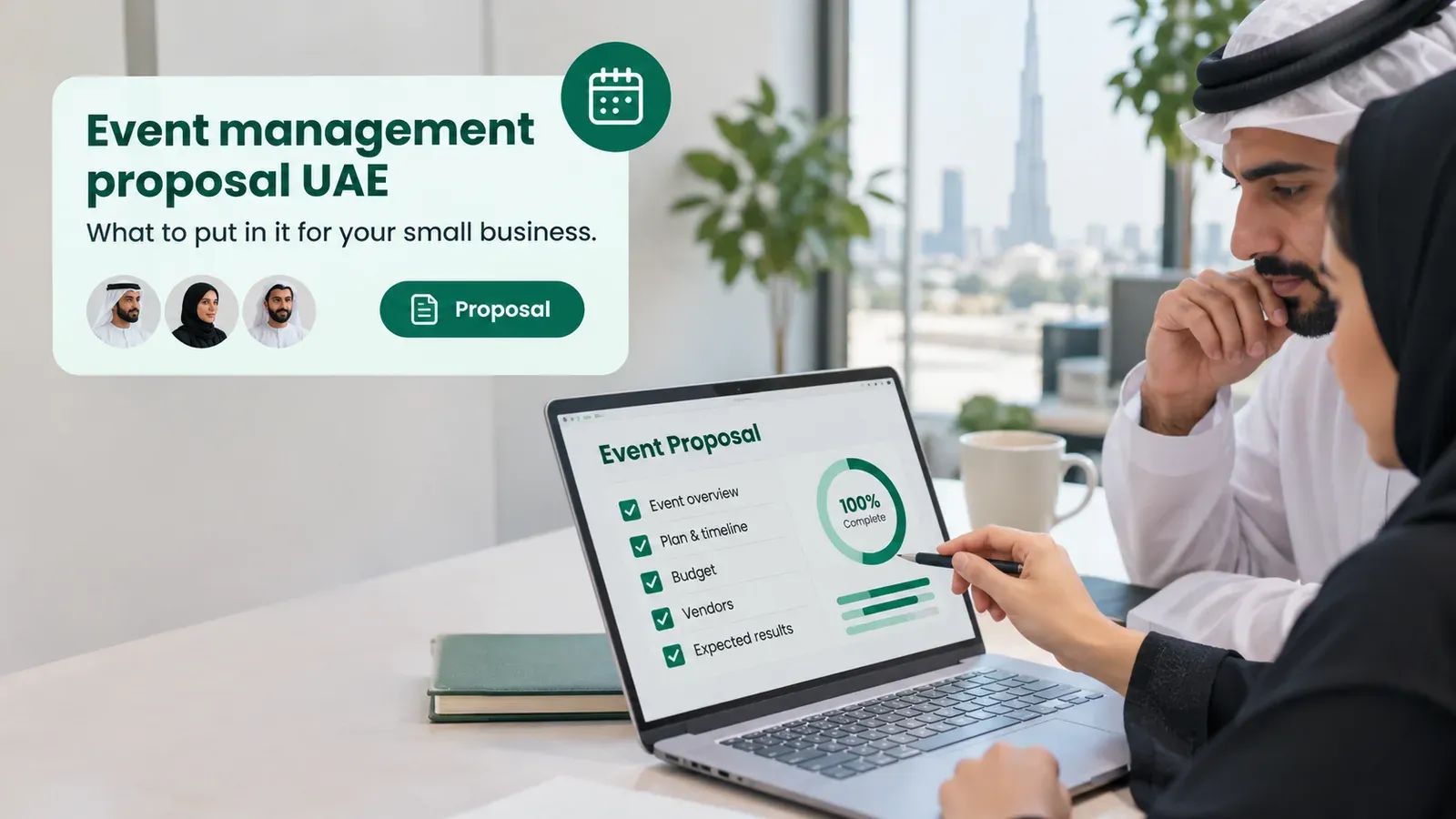
Event management proposal UAE: what to put in it
A UAE event management proposal sets out the concept, venue, suppliers, timeline, costs in AED with 5% VAT and payment stages, then gets signed online.
- Checklist
- 4 tables
- 6 questions answered
-
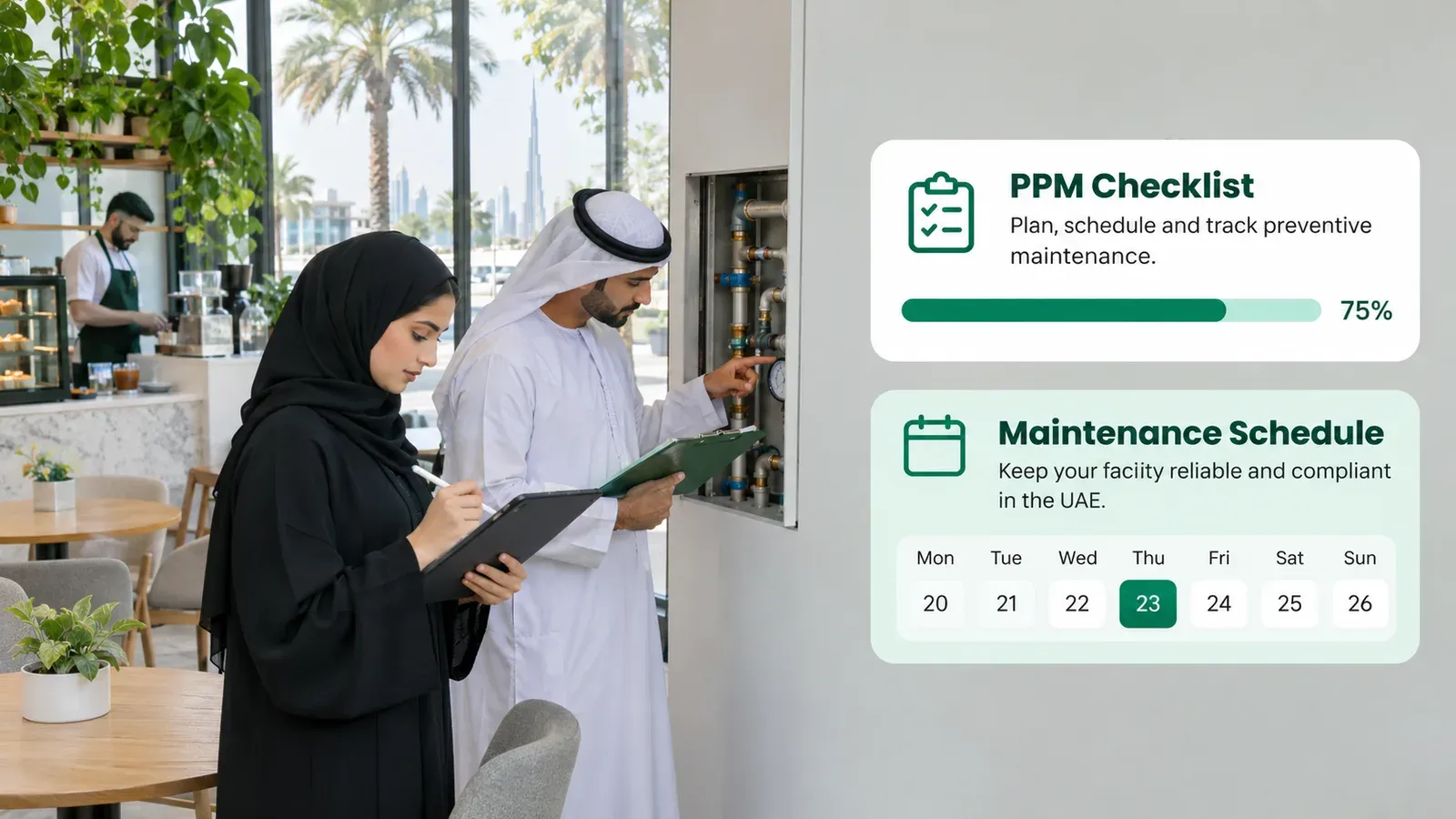
Facility management PPM checklist: build one that works
List every asset, write a short checklist for each type, set its frequency and give each visit an owner, a date and a record that the client can see.
- Checklist
- 2 tables
- 6 questions answered
-

Fleet document expiry tracking: quick tips for the UAE
Keep one register of every Mulkiya, insurance policy, driver licence and permit, with an owner and reminders at 60, 30 and 7 days before each expiry date.
- Checklist
- 2 tables
- 5 questions answered
Recognized with numerous awards
Support, security, uptime and results, with the figures behind each badge.















FAQ
Frequently asked questions
Straight answers to what people ask most about iCRM.
Set up for your industry
Pick yours and its features come ready.
- Automotive Dealers
- Beauty Salons
- Construction Companies
- Consulting Firms
- Online Retail
- Event Management
- Facility Management
- Healthcare Clinics
- Hospitality Businesses
- Logistics Companies
- Real Estate
- Travel Agencies
-
What is event budget tracking?
It is recording every supplier cost and expense against the line of the client's approved budget it belongs to, as soon as it is committed, so you can see at any time how much of the budget is left and whether your margin is still there.
-
Should I track costs with or without VAT?
Track the net cost and the VAT apart. If your business is VAT registered and holds valid tax invoices, the VAT on supplier costs is usually recoverable, so the net figure is your real cost. Check your own position with your tax adviser.
-
When should I review an event budget?
At set checkpoints, when the client approves the budget, when the main suppliers are booked, a few weeks before the event, on the day, and at wrap-up when the last supplier invoice is in.
-
What should I do when the client adds something late?
Price it, put it in writing as a change to the budget and get the client's approval before you book the supplier. Then add it as a new line, so the original budget and the change both stay visible.
-
How do I track several events at once?
Use the same budget lines and the same three figures for every event (budget, committed and paid). Then one list of open events shows which ones are over, without opening each spreadsheet.
Get started with iCRM
Leads, quotes, work, invoices and payments in one app, set up for the way your industry works.
- 99% Uptime guarantee
- ISO ISO-aligned security
- 24/7 Response support
- GDPR GDPR compliant
- SSL SSL encrypted
-
12
Industries Each with its own features
-
45
Features Across those industries
-
11
Areas of work From leads to payments
-
3
Editions India, France and UAE