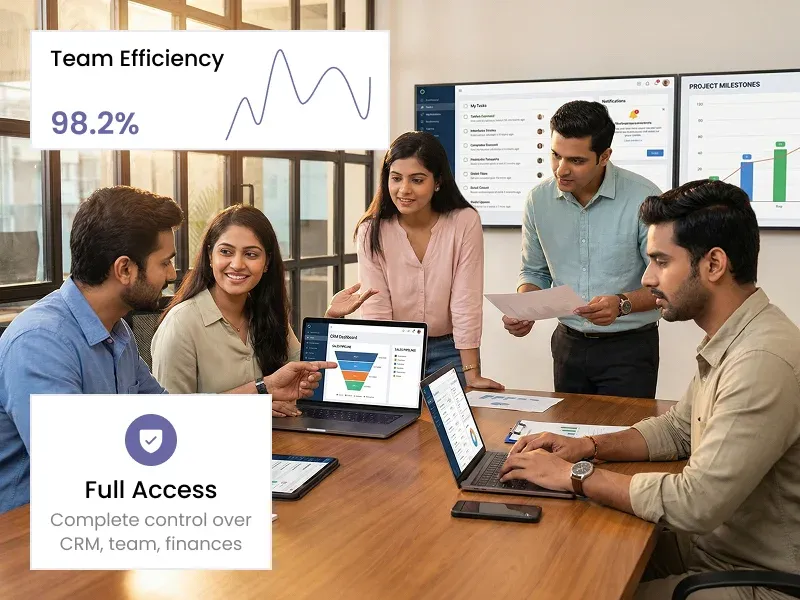
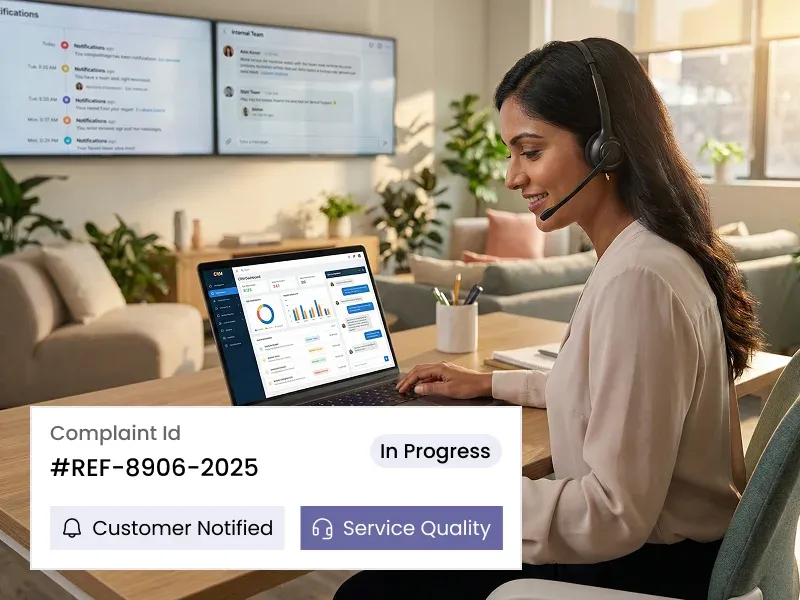
Billing and invoices

Invoicing for Online Retail

Invoicing for Online Retail in iCRM in India: create invoices in the same place you keep your customers. Part of iCRM for Online Retail.

  • Billing and invoices area
  • GST invoice in your work
  • Web, mobile and desktop
Invoicing in iCRM

Get iCRM working for your business

1000 characters remaining

Prefer to talk? Call (+91) 97122 00017 or visit contact

  • No obligation
  • Quick response
  • Your data is safe

What is GST invoicing for an online shop?

A bill for each order, built from the buyer, your product list and your tax rates, and kept where the sale lives.

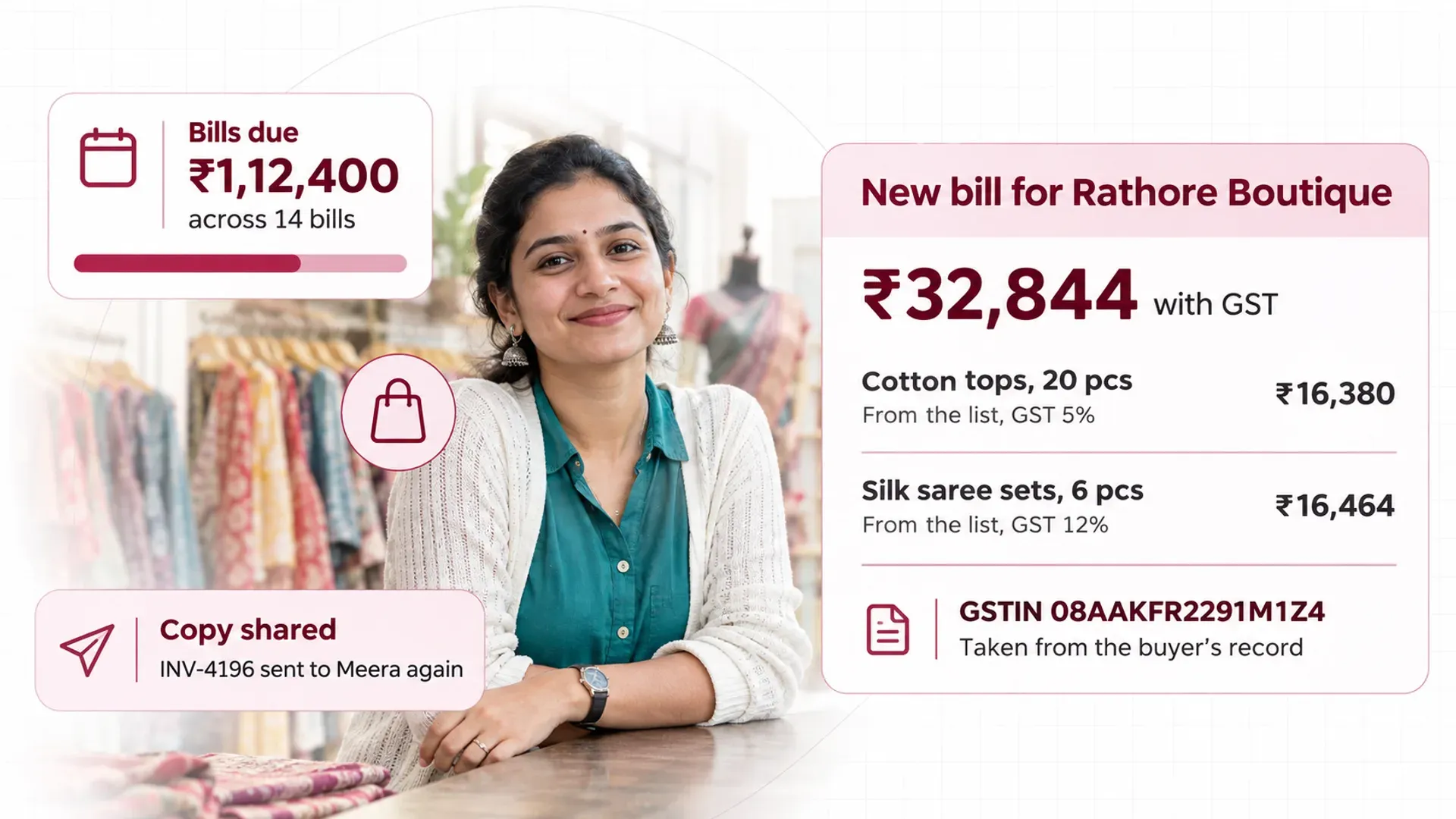
GST invoicing for an online shop means raising a bill for every order with your GSTIN, the goods sold, their prices and the tax on each line. In iCRM the invoice is made on the buyer's record from the products you have listed, with the rates you set once. For a business buyer, their GSTIN from their record can show on the bill. Each invoice then waits for its payment and stays with the buyer for later.

  • Use case

    Create an invoice for any buyer

    Raise a bill from the buyer's record, pick the products from your list and let the tax rate add the GST to each line.

    • Start the bill on the buyer's record
    • Pick items and prices from your list
    • Tax shown on every line
    • Business buyer's GSTIN on the bill
  • Use case

    See which invoices are due

    Look at the bills still waiting for payment, so a bulk buyer on credit is followed up before the amount grows.

    • Bills waiting for payment in one view
    • Paid, part-paid or still due
    • Buyers on credit called in time
  • Use case

    Keep every invoice with its buyer

    Each bill stays on the buyer's record, so it can be found in seconds when they ask for a copy or raise a return.

    • Every bill on the buyer's record
    • Share a copy again when asked
    • The bill at hand when goods come back

How invoicing works in iCRM

About Invoicing for Online Retail

In iCRM for Online Retail in India, the CRM for Online Retail, you will find invoicing among the Billing and invoices features. Create invoices in the same place you keep your customers.

In the Online Retail workflow it comes in at the GST invoice step. There it works with tax management and document sharing, all on the same record, so nothing is typed twice.

It works with the other features across every area of the work for Online Retail in India. Like every industry in India, Online Retail also includes payment tracking, task management, calendar, team messaging and document sharing. One shared record, not another tool to learn.
Recognized with numerous awards

Support, security, uptime and results, with the figures behind each badge.

  • 24/7 response support
  • GDPR approved, certified 2024
  • 99% uptime guarantee
  • ISO 27001 certified company, 2013
  • Customer satisfaction 98%, verified reviews 2025
  • Fastest growing CRM 2025, +140% year on year
  • Top rated support, 4.9 out of 5, average reply 2 minutes
  • Data security, SOC 2 Type II, audited 2025
  • Best ease of use 2025, rated 4.8 out of 5 by users
  • Users' choice 2025, 10,000+ businesses
  • Best value, 3x ROI within 6 months
  • Mobile CRM leader 2025, 4.9 app rating
  • High performer 2025, 95% renewal rate
  • Easiest setup, live in 10 minutes
  • Trusted partner 2025, 24-hour onboarding
  • Momentum leader 2025, +120% growth

FAQ

Questions about invoicing

Straight answers to what people ask most about iCRM.

Set up for your industry

Pick yours and its features come ready.

  • Farm Businesses
  • Automotive Dealers
  • Consulting Firms
  • Online Retail
  • Education Institutes
  • Energy Companies
  • Financial Services
  • Healthcare Clinics
  • Hospitality Businesses
  • Law Firms
  • Logistics Companies
  • Manufacturing Companies
  • Media Agencies
  • Nonprofit Organisations
  • Real Estate
  • Technology Companies
  • Can I send the invoice to the buyer from iCRM?

    Yes. Share the invoice with the buyer from iCRM, and it stays on their record for the day they ask for a copy.

  • Can I see which bills are still unpaid?

    Yes. Invoices still waiting for payment show as due, and payment tracking shows which are paid or part-paid.

  • What do I need before raising my first invoice?

    Add your products with prices, set your GST rates and enter your GSTIN. Then save the buyer, and the first invoice can be raised from their record.

  • What if an invoice was raised with a mistake?

    Raise a credit note against it to correct the amount, and keep both on the buyer's record. Ask your accountant how your shop should handle corrections.

Get started with iCRM

Leads, quotes, work, invoices and payments in one app, set up for the way your industry works.

  • 99% Uptime guarantee
  • ISO ISO-aligned security
  • 24/7 Response support
  • GDPR GDPR compliant
  • SSL SSL encrypted
  • 16

    Industries Each with its own features

  • 47

    Features Across those industries

  • 11

    Areas of work From leads to payments

  • 3

    Editions India, France and UAE

Chat with us on WhatsApp 97122 00017